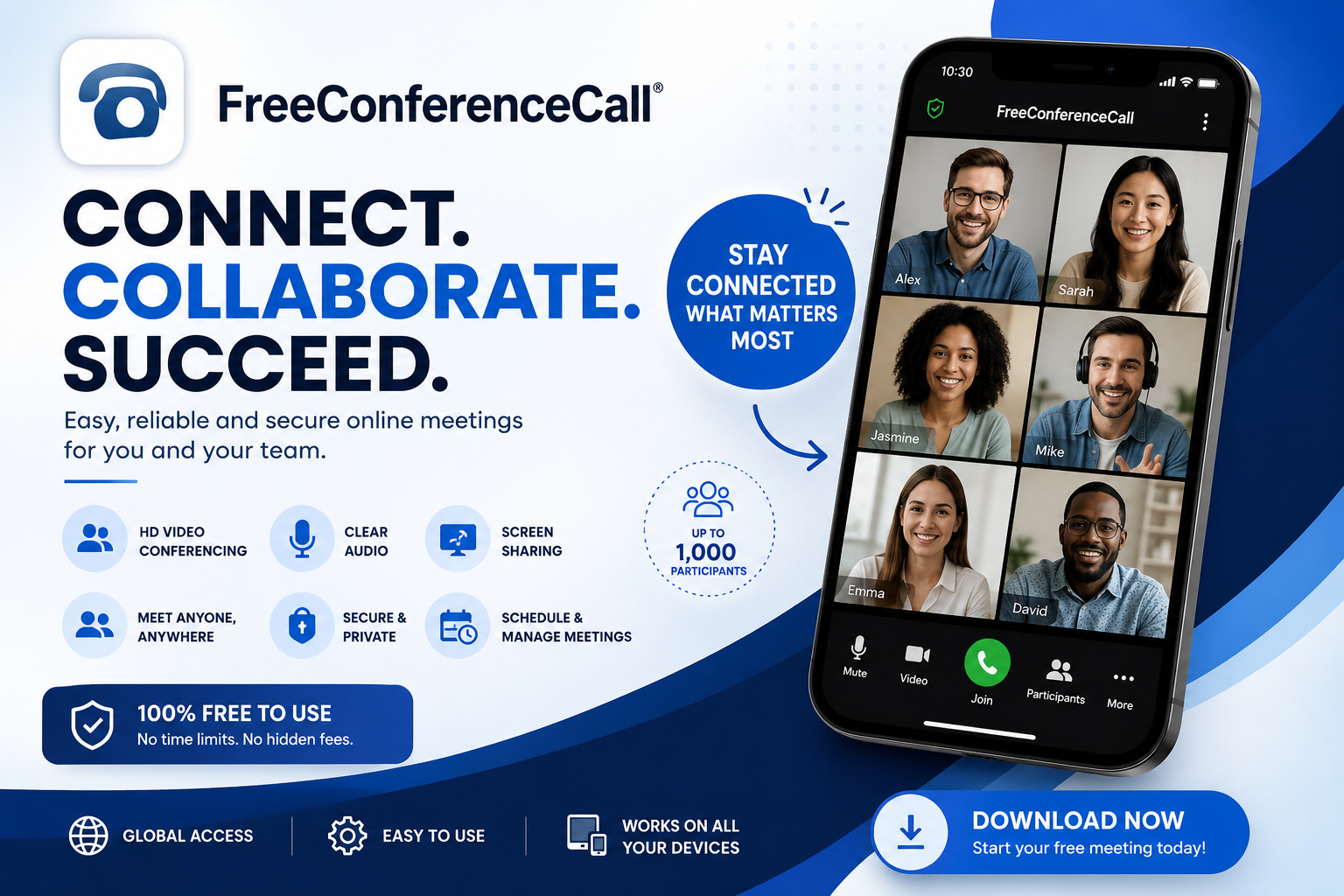
As remote work, online education, and virtual collaboration continue to grow, reliable communication tools have become essential. Free Conference Call by is designed to make online meetings accessible from a mobile device, combining HD audio conferencing, video meetings, and screen sharing in one application. The Android app is available on Google Play and currently has more than 10 million downloads with a rating of around 4.2 stars.
A Convenient Platform for Online Meetings
Free Conference Call is built for people who need to communicate with groups without depending entirely on traditional phone calls. The application allows users to host HD audio conference calls as well as video conferences and screen-sharing sessions. According to its Google Play listing, users can host an unlimited number of meetings with up to 1,000 participants per meeting, making it suitable for everything from small team discussions to large online events.
HD Audio and Video Conferencing
One of the application’s main strengths is its combination of audio and video communication. Instead of relying only on voice calls, participants can join video meetings and interact more naturally with colleagues, classmates, friends, or other groups. The platform also supports HD audio conferencing, helping users communicate clearly when video is unnecessary or when internet bandwidth is limited.
For people organizing regular online meetings, the ability to switch between audio and video communication can be particularly useful. A meeting can focus on voice when participants simply need to discuss something, while video and screen sharing can be used when presentations or visual demonstrations are important.
Screen Sharing Makes Collaboration Easier
Screen sharing is another important feature of Free Conference Call. Instead of explaining everything verbally, a meeting host can show participants what is happening on a computer or mobile screen. This can be useful for presentations, demonstrations, training sessions, software tutorials, and collaborative discussions.
Some practical uses include:
- Presenting documents or slides
- Demonstrating software
- Teaching online classes
- Explaining technical problems
- Reviewing projects with a team
- Showing websites or other visual content
By combining video conferencing with screen sharing, the application can turn a simple call into a more interactive online meeting.
Support for Large Meetings
A major feature highlighted by the Google Play listing is support for meetings with up to 1,000 participants. This capacity can make the application useful beyond ordinary conversations. Organizations, educational groups, community teams, and businesses can potentially use it for larger meetings where many people need to participate.
Of course, the actual experience of a large meeting can depend on factors such as participants’ internet connections, devices, microphones, cameras, and overall network conditions. For that reason, hosts should test their setup before important events.
International Conference Calling
Free Conference Call also provides international dial-in numbers, with the Google Play listing currently mentioning dedicated numbers in 75 countries. This can be helpful for international teams and organizations whose members are located in different parts of the world. Participants may have different connectivity options, so providing multiple ways to join a meeting can make communication more accessible.
The application also supports VoIP dialing, allowing users to connect through internet-based communication rather than relying exclusively on traditional telephone networks. This gives users additional flexibility when joining conferences.
Useful Controls for Meeting Hosts
Running a large online meeting requires more than simply connecting participants. Free Conference Call provides meeting-management controls that include options such as muting, recording, locking meetings, viewing participants, and managing Q&A. It also offers one-touch conference commands intended to make call management easier.
These controls can be particularly helpful when a meeting has many participants. For example, muting participants can reduce background noise, while participant management can help a host maintain an organized discussion. Recording can also be useful when meeting content needs to be reviewed later, subject to applicable permissions and privacy requirements.
Flexible Access for Different Types of Users
The platform is designed for a wide range of users rather than only large corporations. Its Google Play description specifically mentions charities, volunteers, and students among the groups it aims to support. The service offers free application download and free account activation, while also allowing users to make contributions if they want to support the service.
This makes the application potentially useful for:
- Students and study groups
- Teachers and trainers
- Small businesses
- Nonprofit organizations
- Community groups
- Remote teams
- Friends and families
The availability of unlimited account and conference access, along with reservationless calling and 24/7 availability, can also make it convenient for users who hold meetings regularly.
Privacy and Data Safety
Privacy is an important consideration when using any communication platform. Google Play currently states that the developer reports that the app may share device or other IDs with third parties and may collect personal information, messages, and other data. Google Play also reports that data is encrypted in transit and that users can request deletion of their data. These details are developer-provided disclosures and may change over time, so users should review the latest information before using the service for sensitive communications.
Users should also remember that meeting recordings and shared screens may contain private information. Hosts should inform participants when appropriate, use meeting controls carefully, and avoid displaying confidential information unnecessarily.
What Users Should Consider Before Using It
Although Free Conference Call provides a broad set of communication features, no online meeting platform will perform perfectly in every situation. Reviews on Google Play show that many users appreciate the application’s features and ease of use, while some reviews mention difficulties involving audio connections, waiting areas, or participants joining calls.
Before an important meeting, it is a good idea to:
- Test your microphone and camera.
- Check your internet connection.
- Make sure the application is updated.
- Send meeting details to participants in advance.
- Test screen sharing before a presentation.
- Keep a backup communication method available for important events.
These simple preparations can significantly reduce technical problems during a live meeting.
Final Thoughts
Free Conference Call is a feature-rich communication application that brings HD audio conferencing, video meetings, screen sharing, international dial-in options, recording, and meeting-management controls together in one platform. Its support for meetings of up to 1,000 participants and its availability on Android make it an interesting option for individuals, organizations, educators, and remote teams.
With more than 10 million Google Play downloads and thousands of reviews, the application has established a substantial user base. Its combination of free access, large meeting capacity, and collaboration features makes it worth considering for users who need a practical way to communicate online.
If you are looking for a mobile-friendly platform for conference calls, video meetings, and screen sharing, Free Conference Call offers a broad set of tools in a single application. You can view the latest app information and installation options on